
Brand FAQs
What is Obsidian Control Systems?
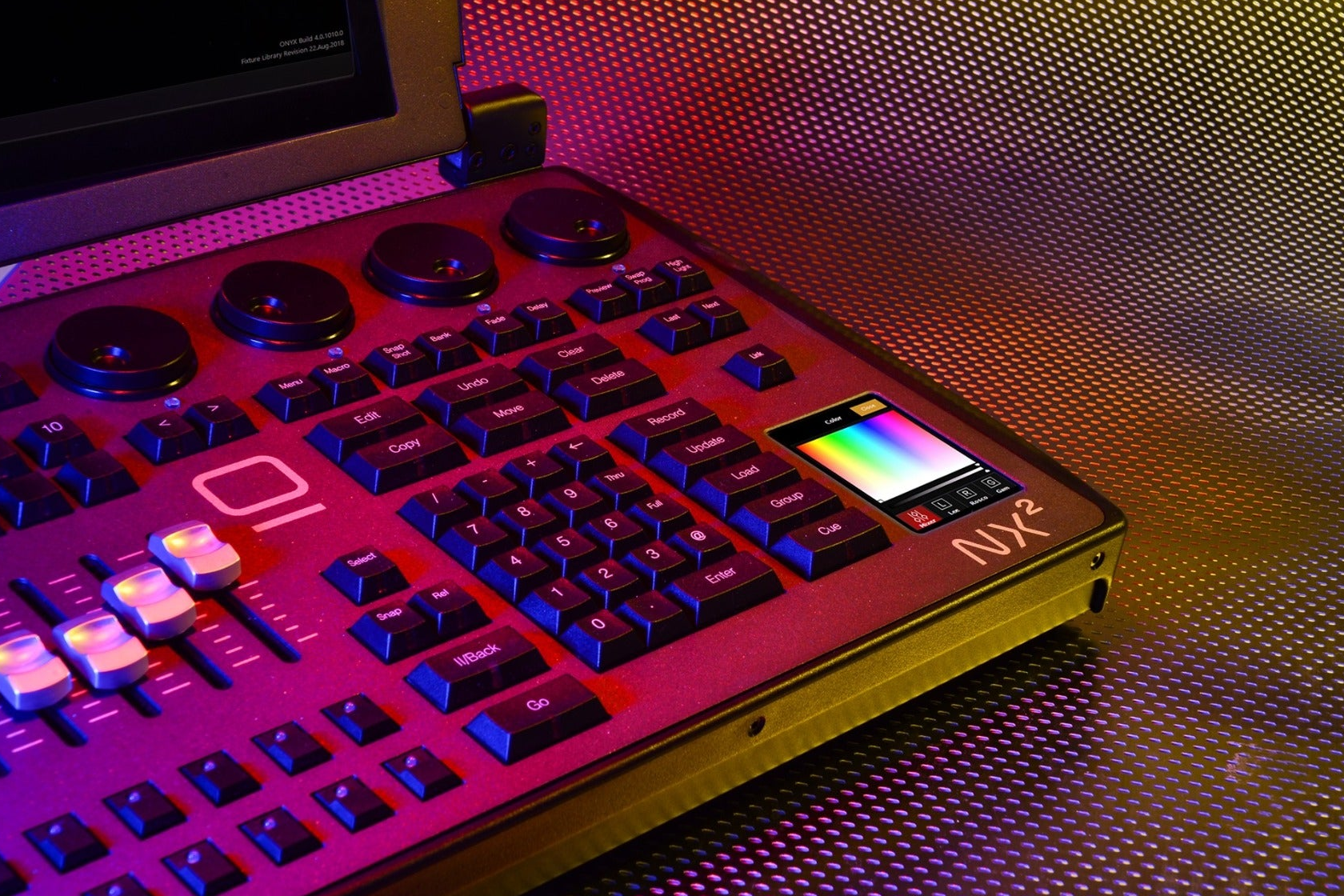
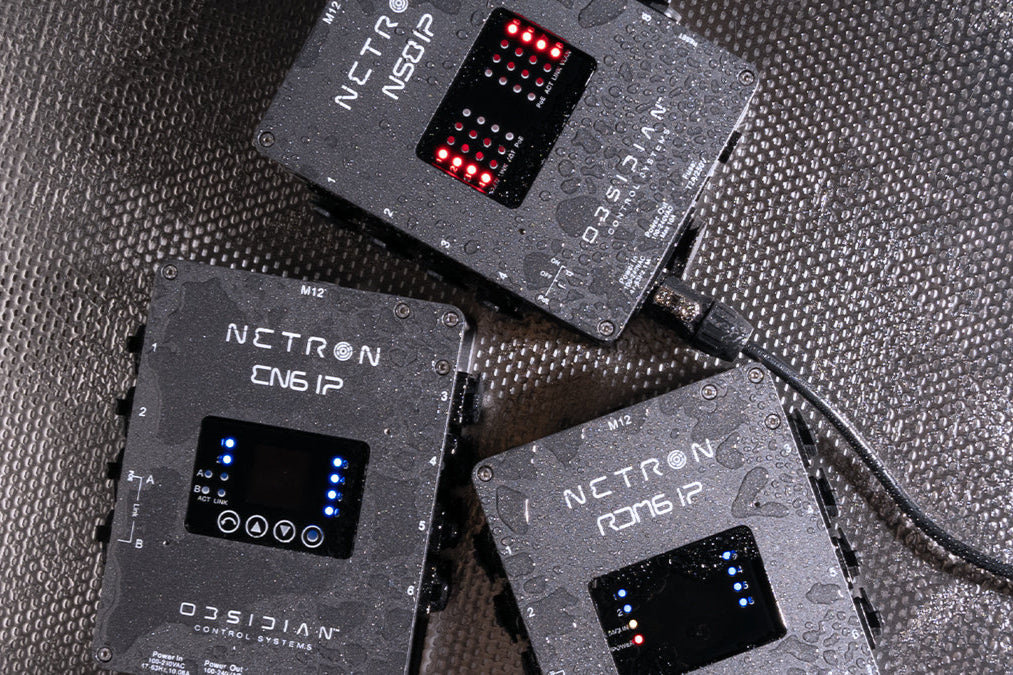
Obsidian Control Systems is a professional lighting control brand that develops the ONYX lighting control software, the Netron data distribution product line, and NX-series consoles and control surfaces. Obsidian is part of the ADJ Group, the same parent company as Elation. The brand is focused exclusively on lighting control technology - software, hardware consoles, DMX nodes, and network infrastructure for professional entertainment.
What is ONYX?
ONYX is a professional lighting control software platform developed by Obsidian Control Systems. It runs on Windows PCs and is embedded in Obsidian's NX-series consoles. ONYX supports up to 128 universes of DMX, Art-Net, and sACN, and includes DyLOS: a built-in pixel and media control engine. The ONYX software is free to download and use in FREE mode (1 universe); expanded capabilities require connecting compatible hardware or a USB license key.
Is ONYX free to download and use?
Yes. ONYX is free to download from support.obsidiancontrol.com and runs in FREE mode without any hardware attached. FREE mode gives you 1 universe of Art-Net/sACN output and 2 DyLOS pixel zones, but does not include MIDI, OSC, or timecode support. Connecting compatible hardware (Netron node, NX-DMX, NX-K, NX-P, NX-Touch, NX Wing, or an ONYX USB Key) unlocks higher license tiers with more universes and full feature access. For more information, visit: support.obsidiancontrol.com/Content/License_Information/Onyx_Licenses.htm
What ONYX license tiers are available for PC users?
ONYX on PC runs in one of eight modes depending on connected hardware: FREE (no hardware, 1 universe), NOVA (Netron node or NX-DMX connected, up to 4 universes), NOVA+ (NX-K, NX-P, or NX-Touch connected, up to 4 universes with full MIDI/OSC/timecode), and ONYX 8, 16, 32, 64, or 128 via USB Key. All patching and programming features are available at every level; the tier controls how many universes can be actively output.
How do I download ONYX software?
ONYX software downloads are available at support.obsidiancontrol.com under the Downloads section. The download includes the full ONYX installer for Windows, the ONYX OS image for NX consoles, and the standalone fixture library. The software is free to download and install; no registration or account is required to run ONYX.
How do I update ONYX to the latest version?
Download the latest ONYX installer from support.obsidiancontrol.com. For PC, run the installer and it will update your existing installation. For NX consoles, head to support.obsidiancontrol.com for instructions. Always save your show file before updating. Release notes for each version are available alongside the download and detail all changes and bug fixes.
Does ONYX run on Mac or iPad?
ONYX runs exclusively on Windows PCs and is embedded in Obsidian's NX-series consoles. There is no native Mac or iPad version of ONYX. The ONYX Remote app for iPad provides wireless remote control of an ONYX system over the network, but the app cannot run shows independently — it requires an active ONYX system as the host.
What happened to Martin LightJockey and the M-Series consoles?
The Martin M-Series consoles (M1, M2, M6, M2GO, M2PC) and LightJockey software were the predecessors to the Obsidian ONYX platform. These products are now legacy hardware and are no longer supported with new features or updates. The M-Series hardware can run ONYX software up to a point, but support for legacy Martin hardware ended with ONYX release 4.30. A legacy M-Series archive is maintained at support.obsidiancontrol.com/mseries for historical reference. Users are encouraged to migrate to current NX-series hardware.
What is DyLOS?
DyLOS (Dynamic Light Operating System) is the integrated pixel and media control engine built into ONYX. It allows users to create and play back video, animations, and generative content directly from ONYX without a separate media server, mapping that content onto pixel-mapped fixtures. DyLOS zones, sources, and effects are programmed and cued just like any other fixture parameters in ONYX. FREE mode includes 2 DyLOS zones; ONYX 8 and higher licenses include 5 zones.
Where can I buy Obsidian products?
Obsidian products are sold exclusively through authorized dealers and distributors — Obsidian does not sell direct to end users. A distributor and dealer list is available at obsidiancontrol.com/pages/distributors. Contact your regional Obsidian sales representative or a local authorized dealer for pricing and availability. Obsidian has distribution partners worldwide covering North America, Europe, Asia, and other regions.
Is there an Obsidian user community or forum?
Yes. The official Obsidian user forum is at forum.obsidiancontrol.com. The forum covers ONYX software, Netron hardware, multilingual categories (English, French, Spanish, German), and a legacy M-Series archive. There is also an official Discord server and Facebook User Group for real-time community discussion. The forum, Discord and page are actively monitored by the Obsidian team.
What training resources does Obsidian offer?
Obsidian offers free training videos at obsidiancontrol.com/pages/onyx-training-videos, covering ONYX software operation, DyLOS, Netron setup, and hardware use. In-person training events are listed on the Obsidian blog under the Training category. The forum at forum.obsidiancontrol.com also includes community-driven learning. A Netron-specific training session is available covering node configuration and networking fundamentals.
What is the ONYX fixture library and how large is it?
The ONYX fixture library is a comprehensive database of DMX fixture profiles maintained by Obsidian. It includes profiles for thousands of lighting fixtures from hundreds of manufacturers. The library is updated regularly and can be downloaded from support.obsidiancontrol.com. If a fixture you need is missing, you can request it via the fixture request form on the support site, or use the built-in Fixture Library Editor to create a custom profile.
What network protocols does ONYX support for DMX output?
ONYX supports Art-Net, sACN (Streaming ACN / E1.31), and CITP (for visualisers) for DMX output over Ethernet. Local 5-pin DMX output is also available on NX consoles and through connected NX-DMX interfaces or wings. ONYX can output to multiple Netron EtherDMX nodes simultaneously using Art-Net or sACN.